ParcelVision
How to Find Property Lines on Google Earth
By default, Google Earth does not show property lines. To see them, you must find and download a KML or KMZ parcel file from your local County GIS department and import it into Google Earth Pro on your desktop or the Google Earth mobile app.
Google Earth is the gold standard for aerial imagery, but for landowners and hunters, it has one major flaw: it doesn't show you where the land actually begins and ends. The parcel boundaries you see on your tax bill aren't baked into Google's maps.
However, you can add them yourself. Here is exactly how to find and import property lines into Google Earth, and why there might be a better way to see them in the field.
Method 1: Using Google Earth Pro (Desktop)
This is the most reliable way to view boundaries. Google Earth Pro allows you to import external data layers called KML (Keyhole Markup Language) files.
- Search for your County GIS Data: Search Google for "[Your County Name] GIS data" or "[Your County Name] parcel KML." Most counties provide these for free.
- Download the .KML or .KMZ File: Look for the "Parcel" or "Tax Map" layer. Ensure you download the KML version, as Google Earth cannot read standard Shapefiles (.shp) without a converter.
- Import the File: Open Google Earth Pro. Click File > Open, navigate to your downloaded file, and select it. Your property lines will now appear as an overlay.
The Easy Way: Skip the Downloads
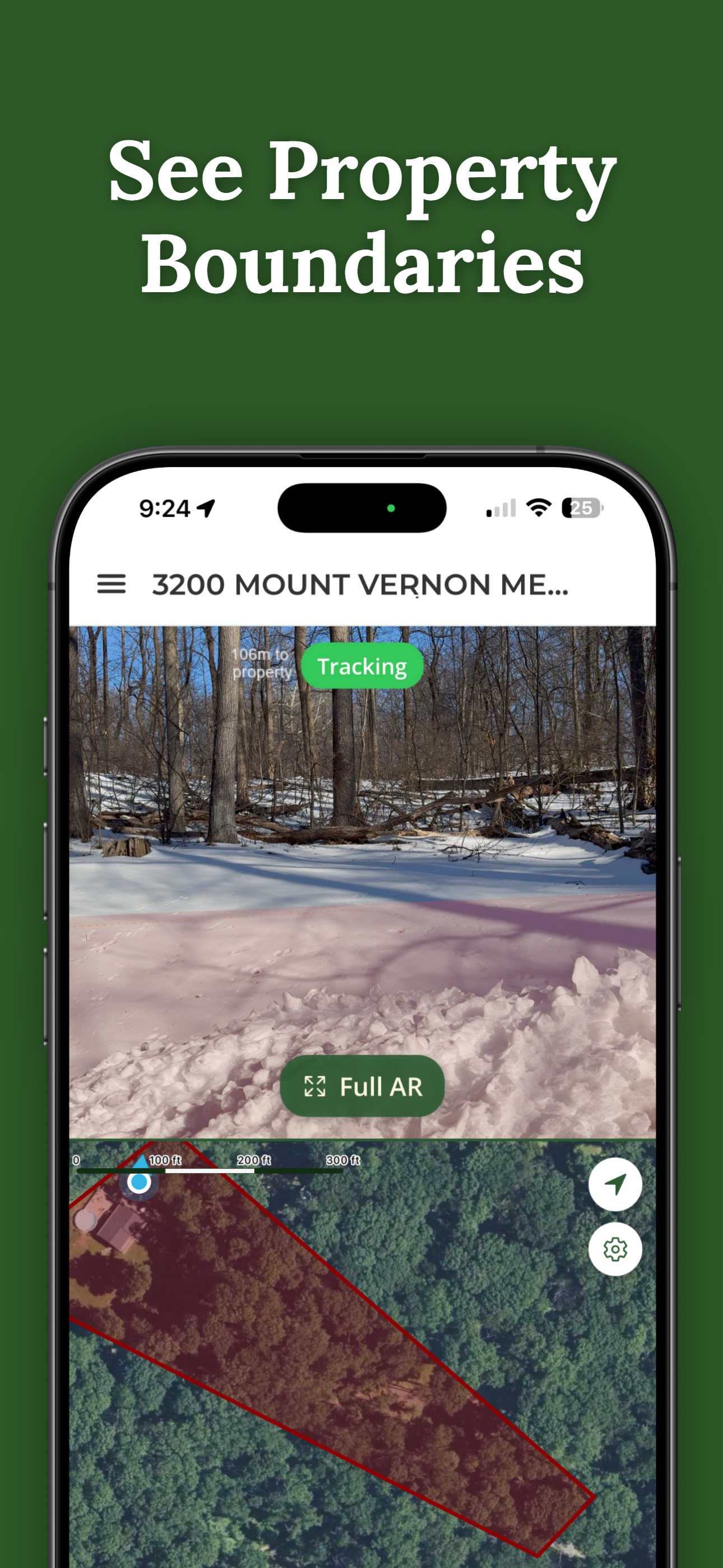
Don't want to hunt for GIS files? ParcelVision pulls county parcel records automatically and shows your boundaries in AR on your iPhone camera. Instant results, no desktop needed.
Download ParcelVisionMethod 2: Google Earth on Mobile (iPhone/Android)
You can also view property lines on the Google Earth mobile app, but the process is more finicky. You'll need to upload your KML file to Google Drive, then open it inside the Google Earth app via the "Projects" menu.
The major downside to mobile Google Earth is performance. Large county parcel files often cause the app to lag or crash because it wasn't designed to handle thousands of property lines simultaneously on a smartphone.
Why Google Earth Isn't Enough for the Field
While Google Earth is great for pre-trip planning on a large monitor, it often fails when you're actually standing in the woods or on a large lot:
- Static Data: KML files are a snapshot in time. If a property was subdivided last month, your downloaded file won't show it.
- Blue Dot Drift: Google Earth relies on standard phone GPS, which can have a margin of error of 15-30 feet. When you're trying to find a corner pin, that's a huge gap.
- The "Head Down" Problem: Looking at a 2D map on a screen and trying to translate that to the trees in front of you is difficult and leads to trespassing mistakes.
See Boundaries on the Land
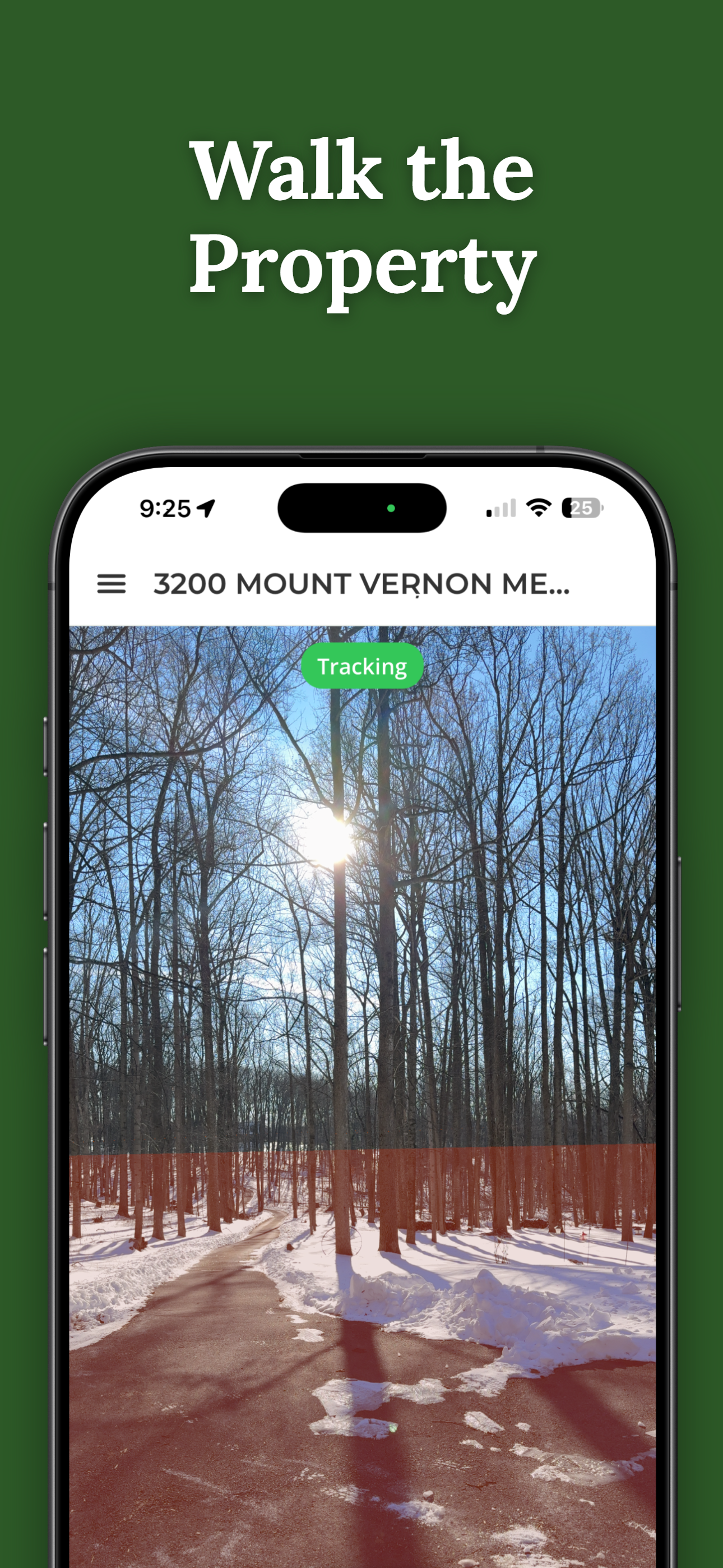
ParcelVision solves the "map-to-reality" gap. Point your phone at the ground, and the boundary line appears physically anchored to the terrain in front of you using Augmented Reality.
Download on the App StoreThis article is for informational purposes only. Google Earth overlays are approximate and not survey-grade. Always consult a licensed land surveyor for legal boundary determinations.